Recommended PHP configuration settings for Joomla 6
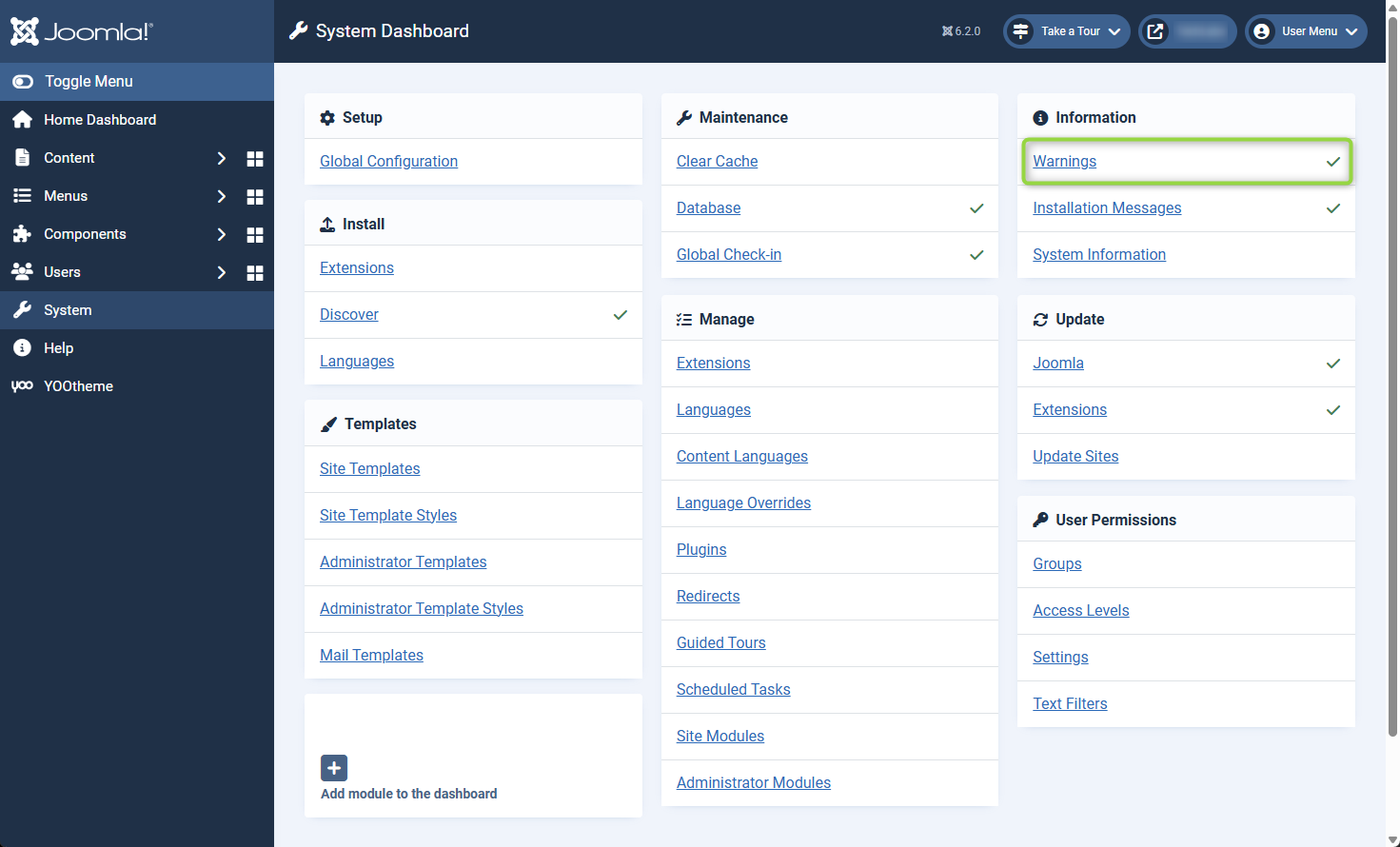
Joomla PHP Warnings
When you first install Joomla you might get these warnings about PHP settings. In this guide, we will configure the recommended PHP settings for Joomla 6 and also change some PHP settings to improve security. This guide was written for Caddy web server with PHP 8.5 running on Debian 13 Linux. I've also included some info for Nginx and Apache
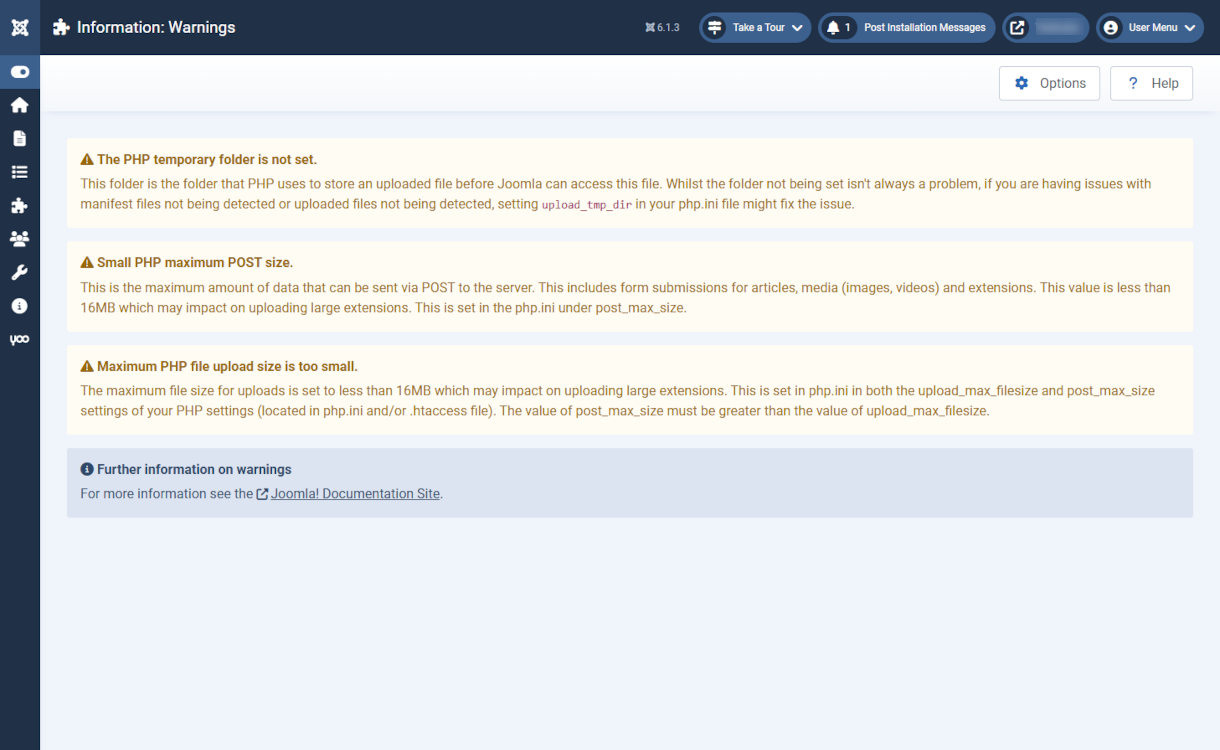
The PHP temporary folder is not set
This folder is the folder that PHP uses to store an uploaded file before Joomla can access this file. Whilst the folder not being set isn't always a problem, if you are having issues with manifest files not being detected or uploaded files not being detected, setting in your php.ini file might fix the issue.
Small PHP maximum POST size
This is the maximum amount of data that can be sent via POST to the server. This includes form submissions for articles, media (images, videos) and extensions. This value is less than 16MB which may impact on uploading large extensions. This is set in the php.ini under post_max_size.
Maximum PHP file upload size is too small
The maximum file size for uploads is set to less than 16MB which may impact on uploading large extensions. This is set in php.ini in both the upload-max-filesize and post_max_size settings of your PHP settings (located in php.ini and/or .htaccess file). The value of post_max-size must be greater than the value of upload_max-filesize.
Check PHP version
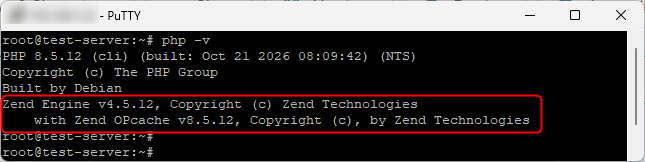
Before we begin, check the installed PHP version and update it if needed
For Joomla 6, PHP 8.4 is recommended
Find PHP configuration file
Find the PHP configuration file php.ini
php.ini configuration file for FPM (Nginx and Caddy)
/etc/php/8.5/fpm/php.ini
For Apache the php.ini configuration file will be
/etc/php/8.5/apache2/php.ini

Create PHP log folder
For Caddy we'll need to create a folder for PHP error logs. Nginx and Apache will use the web servers error.log for any PHP error messages
PHP settings for Joomla
Recommended PHP settings for Joomla 6
Changes to FPM php.ini will apply to every website that uses FPM. When setting open_basedir for a web server running multiple websites use the PHP pool file instead
Disable dangerous PHP functions
In the php.ini file we'll disable the following dangerous PHP functions
Disabling php functions might stop some Joomla extensions from working, test your website
Disabling phpinfo means Jooma's PHP information page will be blank
Disabling popen will stop Sendmail from working, use PHP mail or SMTP instead
You can find documentation for functions on the PHP.net website
popen
https://www.php.net/popen
phpinfo
https://www.php.net/phpinfo
Edit php.ini config file
Edit FPM php.ini configuration file and change the following settings
php.ini
Restart PHP FPM
Restart Nginx
If you are using Nginx
Restart Caddy
If you are using caddy
Joomla System Dashboard warnings have cleared